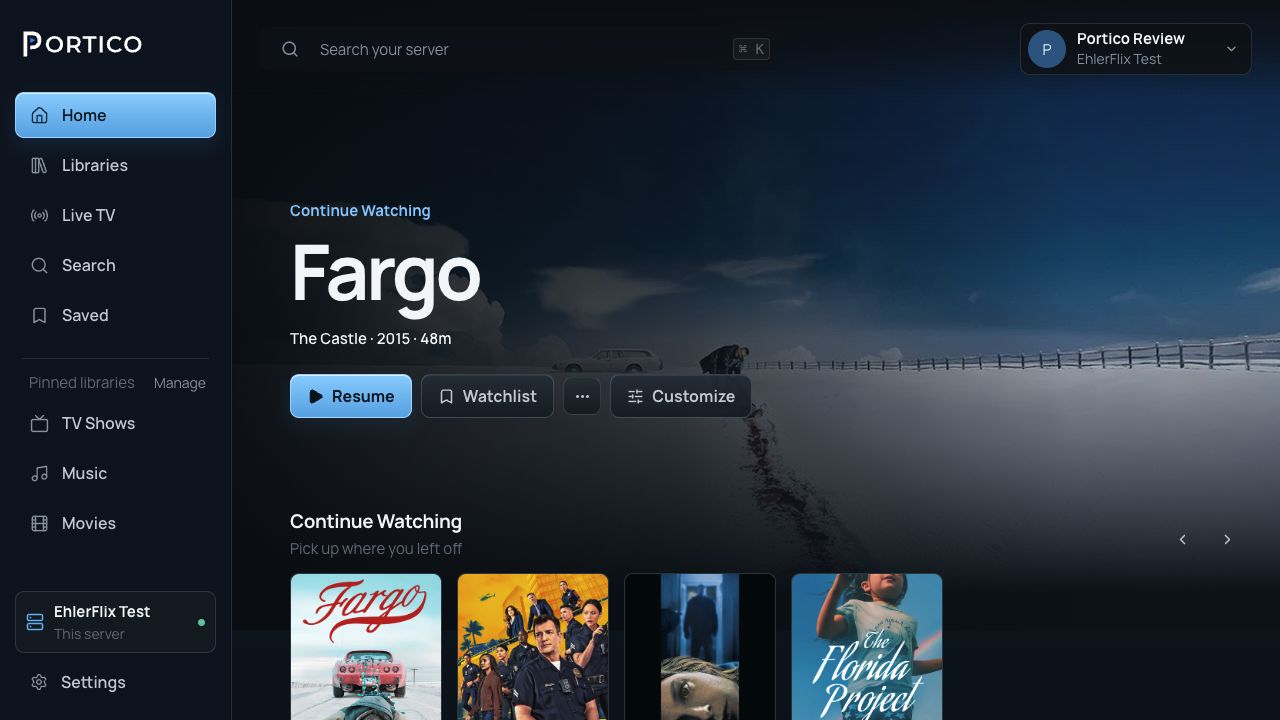
Stop on one screen, finish on another.
Your server keeps your place. Pick the same profile on another device connected to that server and carry on.

Portico turns the movies, shows, music and audiobooks on your computer into a streaming service everyone at home can watch on a TV, phone, tablet or browser. Every feature is included: no paid tier, no subscription, no ads.
Features that often cost extra come with every Portico server, for everyone who uses it. There's no premium plan to upgrade to.
Your server keeps your place. Pick the same profile on another device connected to that server and carry on.
Progress, My List, history, ratings and preferences belong to your profile, not to whichever TV you used.
The server owner chooses which libraries and actions each person can use, and can take access away at any time.
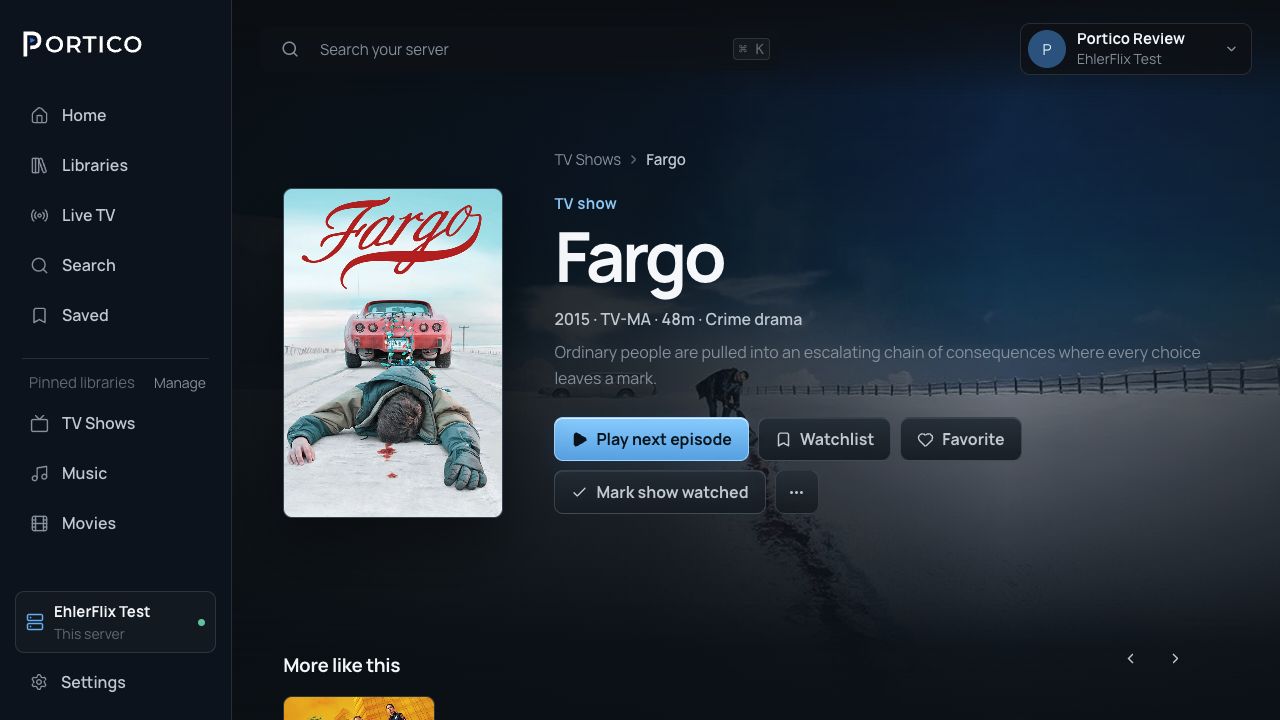
Add your media folders and Portico builds the library: posters, artwork and cast, with shows sorted into seasons and episodes. The original files stay where they are.
Streams go directly from your server to your devices. Portico Services never relay, cache or inspect them, and never see your titles, files or watch history.
Portico Server's source code is published under the GPL-3.0. It runs on a computer you own, and you decide what it keeps.
Portico plays the original file when the device, connection and chosen quality allow it. Otherwise the server remuxes or transcodes it.
Add your tuner or channel source and guide data, then watch live, schedule recordings and sort out conflicts on the same server.
A web app, plus native apps for phones, tablets, TVs and streaming players. The TV apps are made for a remote, and the phone apps for touch.
 Fire TV
On the computer that holds your media, install Portico Server for Windows, macOS or Linux, or run it in Docker.
Create a library for each kind of media. Portico scans the files and fills in artwork and details.
Create an account for each person, then sign in from Portico Web or a Portico app on any screen.
A Windows, macOS or Linux computer (or anything that runs Docker) that can reach your media files and stays on while people are watching. You'll also want a dependable home network, and a Portico app or web browser on each screen you watch on.
Nothing. Portico has no paid tier, so the server, every app and every feature are free, with no subscription and no ads. Portico Server's source code is published under the GPL-3.0 licence.
No. You can create a server owner that exists only on your server. A Portico Account is optional. It gives you one sign-in across Portico apps, simple invitations, and a secure connection to your server that Portico sets up for you.
No. Video, music and artwork stream directly from your server to your devices. Portico Services handle Portico Account sign-in, server membership and connection details. They never receive your media, your titles or your watch history.
In any modern web browser, and in the Portico apps for iPhone, iPad, Android, Apple TV, Android TV, Google TV, Fire TV, Roku, LG and Samsung.
Yes. Give each person their own account. Each person's profile keeps its own progress, My List, history and ratings, and you choose which libraries each person can see.
Step-by-step guides for installing Portico, adding media, remote access and backups, plus help when a connection or a file won't play.
Install it on the computer that holds your media, add a library, and invite the people you watch with.